
About Plugin
The “Grey Owl Lightbox” plugin is designed to display different content in the lightbox,
For example: image, galleries, videos and other html content.
The plugin is triggering JAVASCRIPT events to control the lightbox via the .JS file
At the core of the plugin is the js library, which works with jQuery, each developer can use events for more features of this plugin. A list and examples of all events are on the documentation page.
First view
Screenshots
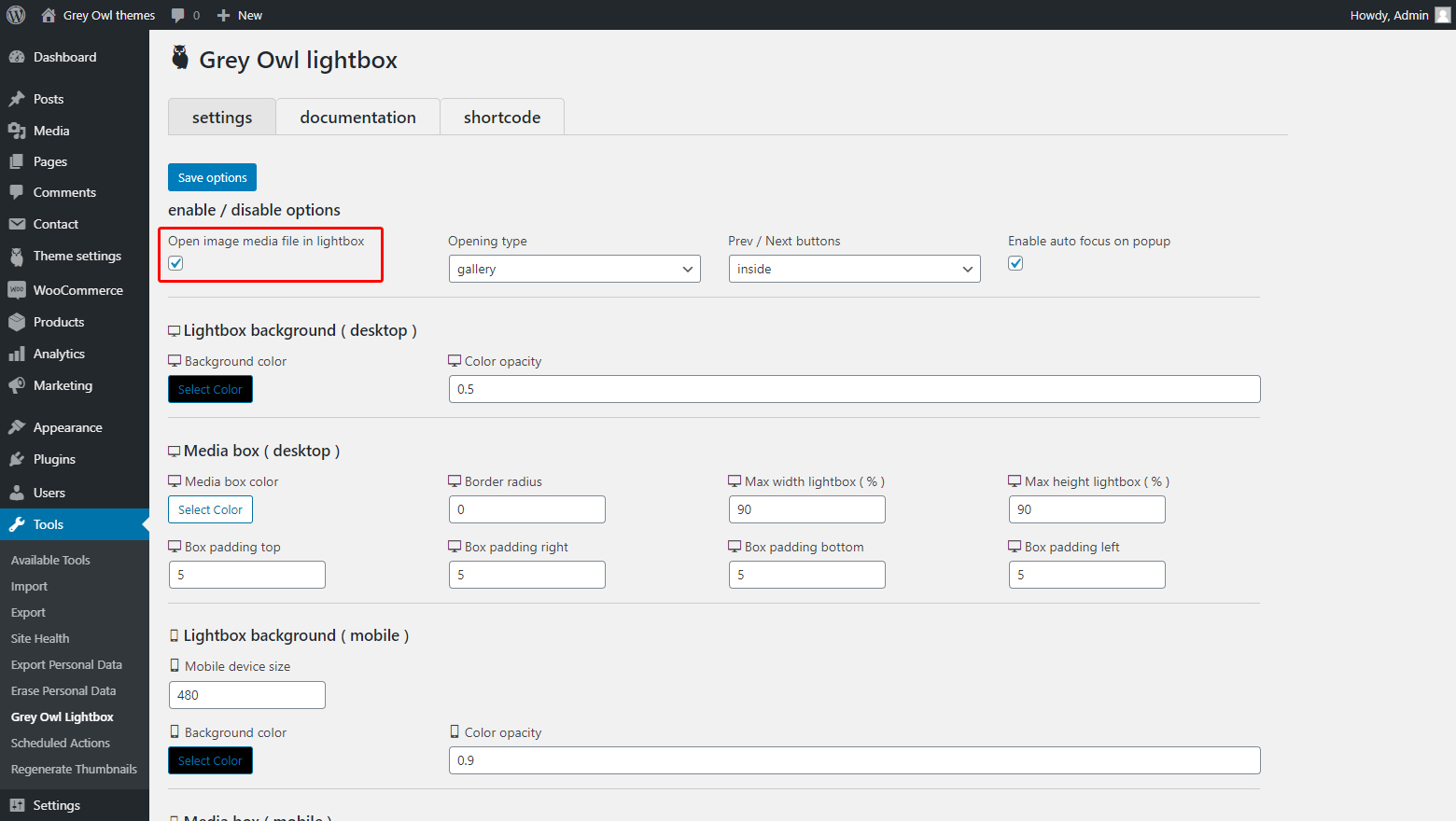
Enable gallery in lightbox part 1 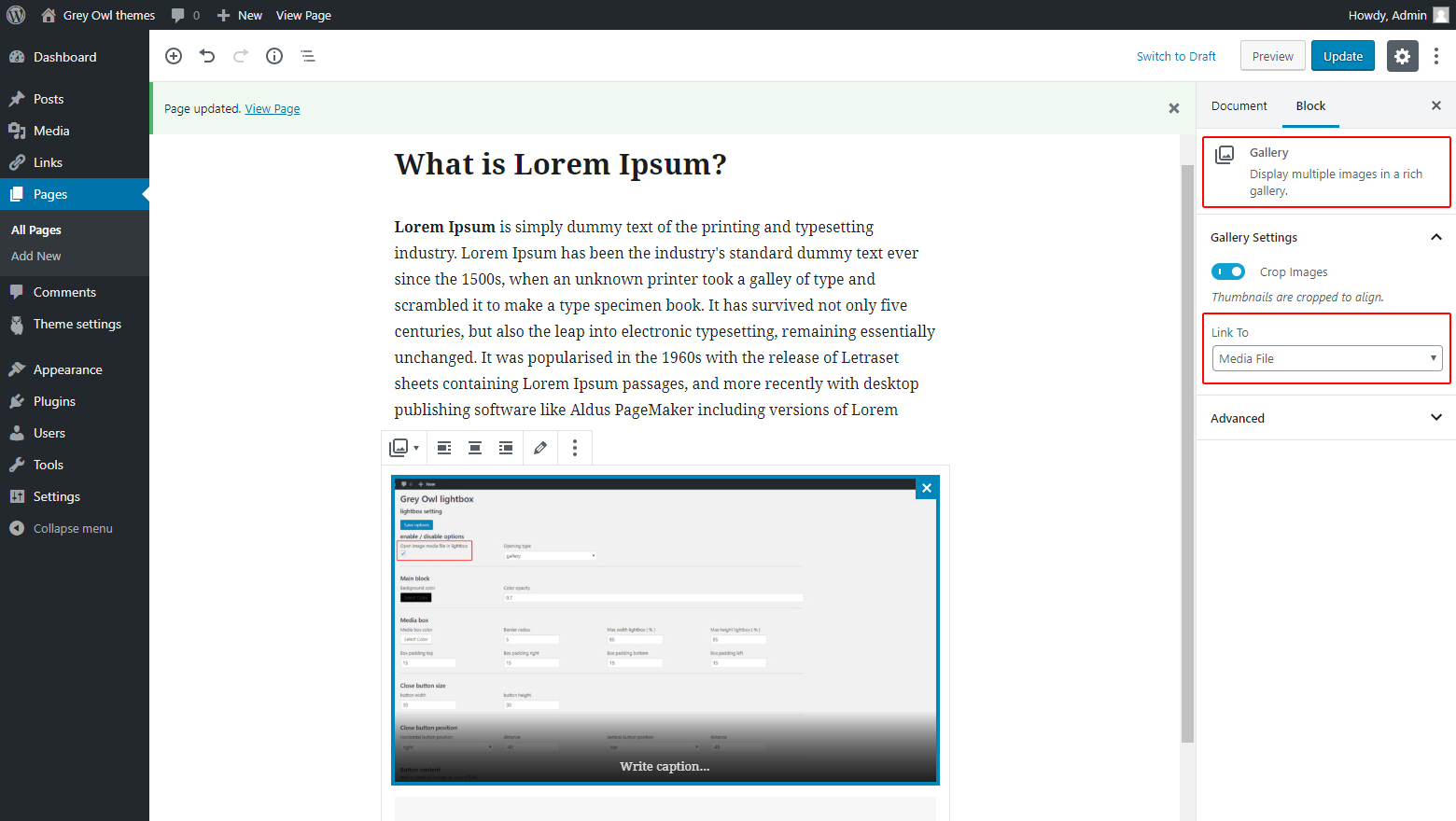
Enable gallery in lightbox part 2 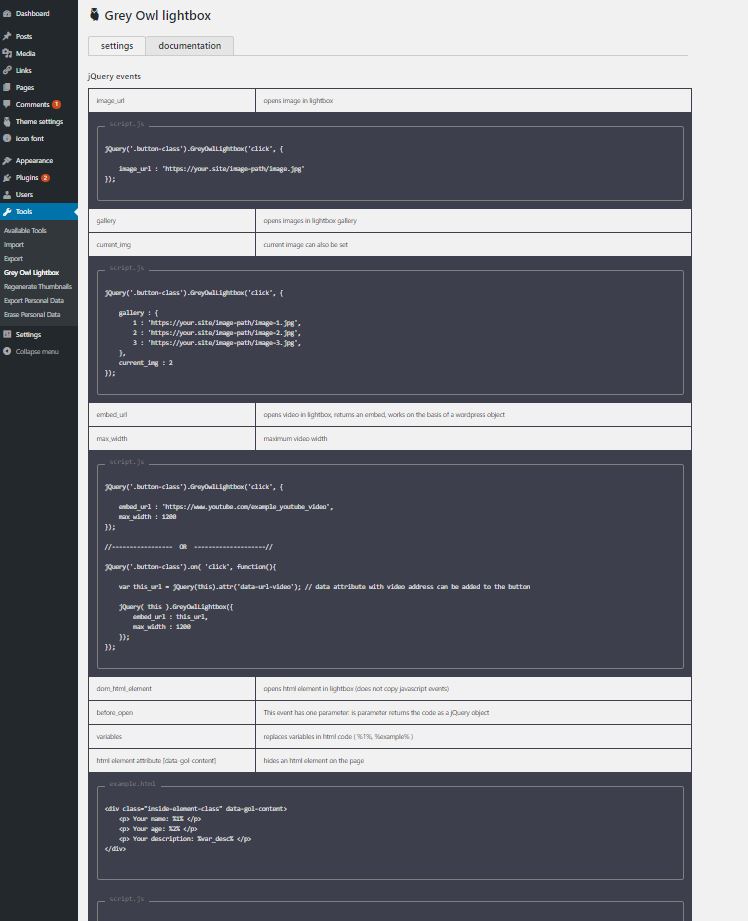
Object event for custom lightbox
jQuery events
Open image in lightbox
| image_url | URL of the image to display in the lightbox |
| lightbox_wrapp_class | adds an extra class to lightbox wrappers |
<button class="open-lightbox-button-class"> open image in lightbox </button>jQuery('.open-lightbox-button-class').GreyOwlLightbox('click', {
image_url : 'https://your.site/image-path/image.jpg',
lightbox_wrapp_class : 'lightbox-image-container'
});Opens gallery in lightbox
| lightbox_wrapp_class | adds an extra class to lightbox wrappers |
| gallery | The URL of the images to display in the lightbox gallery |
| current_img | current image can also be set |
<button class="open-lightbox-button-class"> open gallery in lightbox </button>jQuery('.open-lightbox-button-class').GreyOwlLightbox('click', {
gallery : {
1 : 'https://your.site/image-path/image-1.jpg',
2 : 'https://your.site/image-path/image-2.jpg',
3 : 'https://your.site/image-path/image-3.jpg',
},
current_img : 3,
lightbox_wrapp_class : 'lightbox-gallery-content'
});Opens video in lightbox
| embed_url | opens video in lightbox, returns an embed, works on the basis of a wordpress object |
| max_width | maximum video width |
<button class="open-lightbox-button-class"> open video in lightbox </button>jQuery('.open-lightbox-button-class').GreyOwlLightbox ('click', {
embed_url: 'https://www.youtube.com/example_youtube_video',
max_width: 1200
});// – – – – – – – – – – – – – – – – – OR – – – – – – – – – – – – – – – – – //
<button class="open-lightbox-button-class" data-url-video="https://www.youtube.com/example_video">
    open video in lightbox
</button>
jQuery('.open-lightbox-button-class').GreyOwlLightbox('click', function(){
return {
/* data attribute with video address can be added to the button */
embed_url: jQuery(this).attr('data-url-video'),
max_width: 1200
}
});Opens HTML element from DOM in lightbox
| dom_html_element | opens html element in lightbox (does not copy javascript events) |
| variables | replaces variables in HTML code ( %1%, %example% ), two constructions can be used: object allows you to use static variables : { var_1 : ‘name’, var_2 : ‘age’ } function allows you to use dynamic variables : function(){ return { var_1 : jQuery(‘input’).val() } } |
| html element attribute [data-gol-content] | hides an html element on the page |
<div class="html-content-example-box" data-gol-content>
    <div style="color:%color%">
        <p> Your name: %1% </p>
        <p> Your age: %2% </p>
        <p> Your age: %2% </p>
    </div>
</div>
jQuery('.open-example-lightbox').GreyOwlLightbox({
dom_html_element : 'html-content-example-box',
variables : function(){
return {
1 : jQuery('[name="example_your_name"]').val(),
2 : jQuery('[name="example_your_age"]').val(),
var_desc : jQuery('[name="example_your_description"]').val(),
color : jQuery(this).attr('data-color'),
}
}
});AJAX callback
| callback_ajax | This event makes an Ajax request, to register the request, in the function.php file use the function: gol_set_callback ( ‘event_name’, ‘your_function’ ); |
| callback_ajax_params | this event serves to transfer parameters to the php function. |
| before_open | This event has two parameters: 1) the first parameter returns the code as a jQuery object 2) transfer data from the php file to the second parameter of the event using this function “gol_callback_parameters( array() )” |
| after_open | This event has two parameters: 1) the first parameter returns the code as a jQuery object 2) transfer data from the php file to the second parameter of the event using this function “gol_callback_parameters( array() )” |
/* to avoid errors, if the plugin suddenly disconnects, use "function_exists" (recommended) */
if( function_exists('gol_set_callback') ){
gol_set_callback( 'your_example_callback_name_1', 'your_example_callback_function_1' );
}
function your_example_callback_function_1( $params ){array( 'your_key' => 'yout value' );
gol_callback_parameters( $return_params );
}
echo '<p> your name: ' . $params['name'] . '</p>';
echo '<p> your age: ' . $params['age'] . '</p>';
}jQuery('.button-class').GreyOwlLightbox('click', {
callback_ajax : 'your_example_callback_name_1',
callback_ajax_params : function(){
return { name : 'Your Name', age : 21 };
},
before_open : function( content, params ){
var returned_value = params.your_key;
content.find('.inside-element-class').on('click', function(){
// your code ...
}); },
after_open : function( content, params ){
// your code ...
},
});Change content in open lightbox
| GreyOwlLightbox( ‘set_content’, your_html_content ); | сhange content in open lightbox |
var your_html_content = '<p>Your demo content</p>';
GreyOwlLightbox( 'set_content', your_html_content );Close lightbox
| GreyOwlLightbox( ‘close’ ); | close the (open) lightbox |
Element attributes
activate lightbox using element attributes
to activate the rest of the attributes, add the “go-lightbox” attribute
| go-lightbox | To activate the html attributes in the button you need to add the attribute “go-lightbox” |
<button go-lightbox> click me </button>| data-go-image | opens image in lightbox |
<button go-lightbox data-go-image="https://your.site/image-path/image.jpg">
    opens image in lightbox
</button>| data-go-video-url | opens video in lightbox, returns an embed, works on the basis of a wordpress object |
| data-go-video-widt | maximum video width |
<button go-lightbox data-go-video-url="https://www.tube.com/video" data-go-video-width="1200">
    open video in lightbox
</button>| data-go-ajax-callback | Creates the request ajax and returns the data from the function na in the file function.php |
<button go-lightbox data-go-ajax-callback="your_example_callback_name_2">    get AJAX content
</button>
/* to avoid errors, if the plugin suddenly disconnects, use "function_exists" (recommended) */
if( function_exists('gol_set_callback') ){
gol_set_callback( 'your_example_callback_name_2', 'your_example_callback_function_2' );
}
function your_example_callback_function_2(){
echo '<p>content was successfully returned</p>';
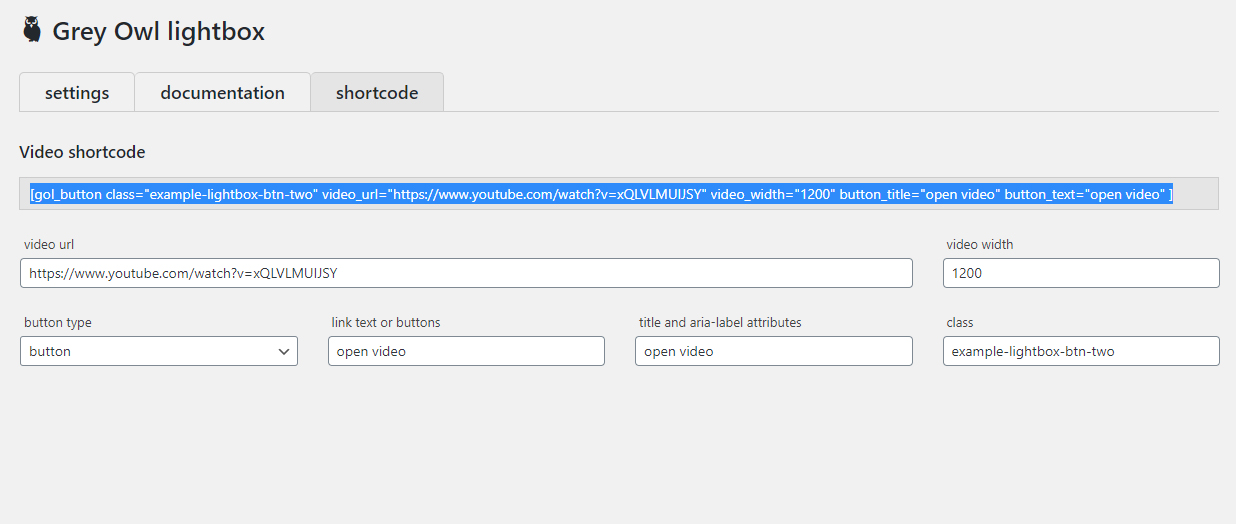
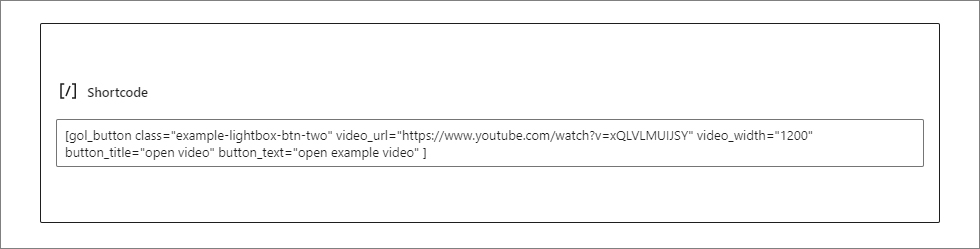
}shortcode video
download Grey Owl Lightbox