
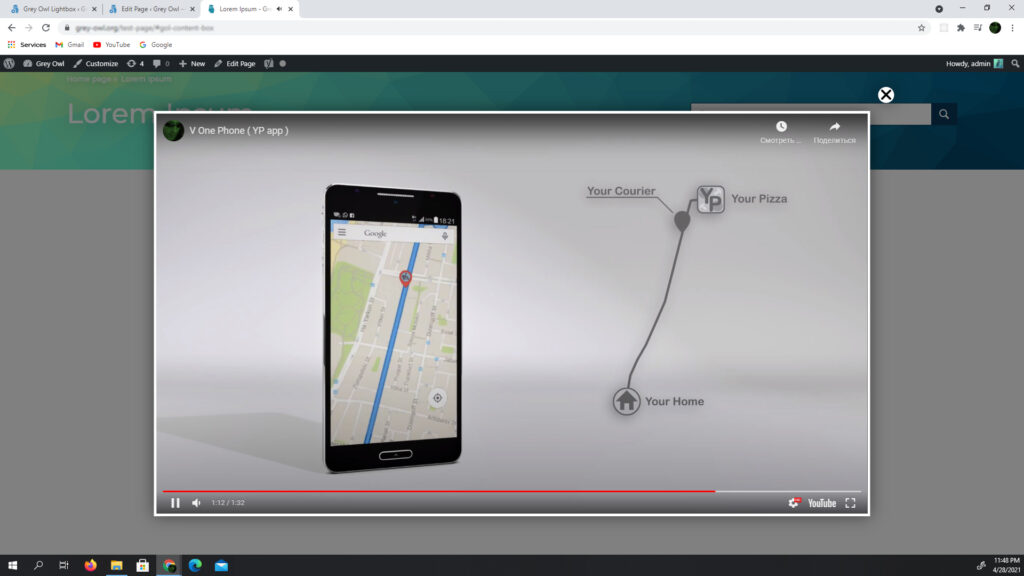
to open a video in a lightbox after clicking a button or link, you need to add a class to the button that will be used as a trigger in the JavaScript code, in the options add a link to the video
view example videosettings
| embed_url | opens video in lightbox, returns an embed, works on the basis of a wordpress object |
| max_width | maximum video width |
code
<button class="open-lightbox-button-class-1"> open video </button>jQuery('.open-lightbox-button-class-1').GreyOwlLightbox('click', {
embed_url : 'https://www.youtube.com/example_video',
max_width : 1200
});example:
// – – – – – – – – – – – – – – – – – OR – – – – – – – – – – – – – – – – – //
<button class="open-lightbox-button-class-2" data-url-video="https://www.youtube.com/example_video">
    open video
</button>
jQuery('.open-lightbox-button-class-2').GreyOwlLightbox('click', function(){
/* data attribute with video address can be added to the button */
return {
embed_url : jQuery(this).attr('data-url-video'),
max_width : 1200
}
});