
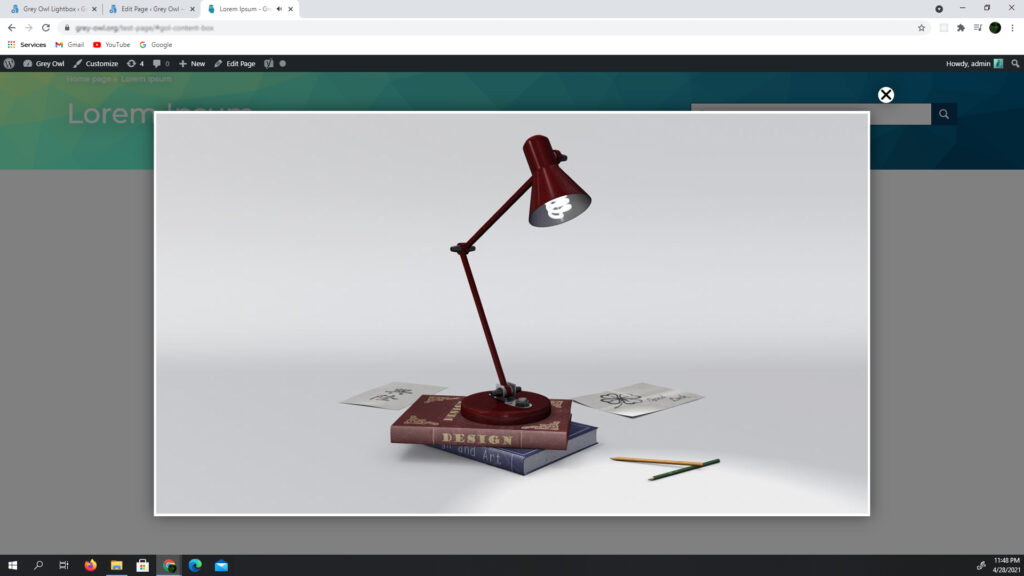
to open an image in a lightbox after clicking a button or a link, you need to add a class to the button, which will be used as a trigger in the JavaScript code
view example videosettings
| image_url | URL of the image to display in the lightbox |
| lightbox_wrapp_class | adds an extra class to lightbox wrappers |
code
<button class="open-lightbox-button-class"> open image in lightbox </button>jQuery('.open-lightbox-button-class').GreyOwlLightbox('click', {
image_url : 'https://your.site/image-path/image.jpg',
lightbox_wrapp_class : 'lightbox-image-container'
});